Calibration Guide

Make DeciMate SPL match your reference reading.

Calibration is the simple step that tells DeciMate SPL how much to adjust its reading on your iPhone, case, microphone, and setup. Use a trusted meter, acoustic calibrator, or a carefully chosen reference app.

Match Current Reading Example with a steady reference sound
CALIBRATED
Reference meter 82.0
Before match 100.0
DeciMate SPL applies this correction -18.0 dB

The easiest way
to calibrate.

You need one stable sound and one reference number. DeciMate SPL compares its current reading to that reference number, then saves the offset for future measurements and exports.

1

Pick a reference

Use a real SPL meter, acoustic calibrator, or trusted SPL app. Match the same weighting and response when possible.

2

Play steady sound

Use pink noise, a steady speaker tone, HVAC noise, or another stable source. Avoid speech and music peaks.

3

Enter reference dB

Open Settings, go to Calibration, and enter the dB value shown by the reference meter.

4

Tap match

Tap Match Current Reading to Reference. DeciMate SPL calculates and saves the correction.


Where to tap
inside DeciMate SPL.

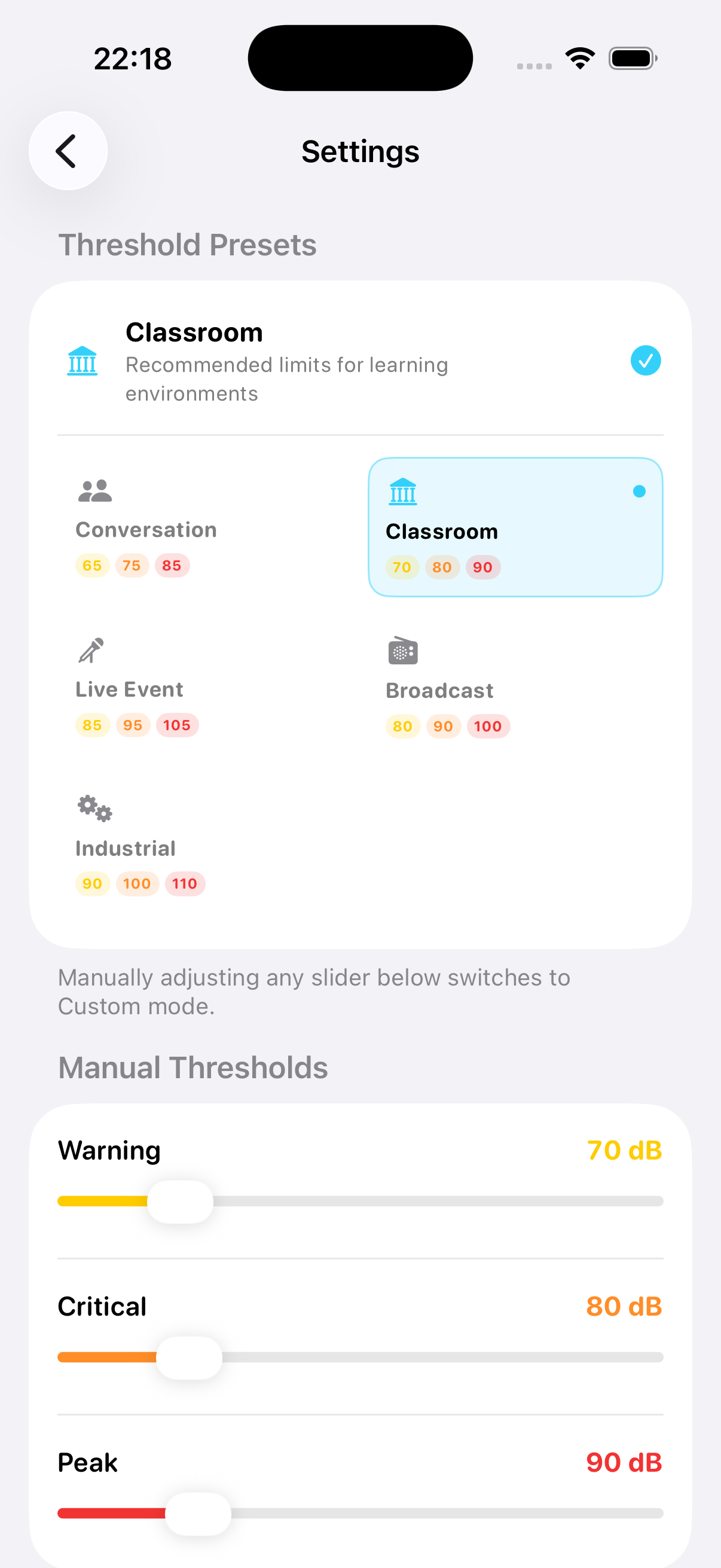
Start monitoring first so the app has a live value. Then open Settings and use the Calibration controls. The match button is best when the sound is steady for a few seconds.

1
Start DeciMate SPL monitoring Let the reading settle for a moment. If the number is jumping a lot, choose a steadier sound source.
2
Open Settings Find Calibration. Enter the reference value you want DeciMate SPL to match, for example 82.0 dB.
3
Tap Match Current Reading to Reference The app adjusts the calibration offset automatically. You do not need to do the math yourself.
DeciMate SPL settings screen with calibration controls

What does
-18 dB mean?

A negative offset means DeciMate SPL was reading higher than your reference. A positive offset means it was reading lower. The app adds that offset to future readings so the displayed value lines up with your reference setup.

Example: DeciMate SPL reads high

Your reference meter says the room is 82.0 dB. DeciMate SPL currently says 100.0 dB. The correction needs to pull DeciMate SPL down by 18 dB.

Reference82.0 dB
DeciMate before match100.0 dB
New offset-18.0 dB
DeciMate after match82.0 dB
Formula
new offset = old offset + reference dB - current dB
Example: DeciMate SPL reads low

Your reference meter says 82.0 dB. DeciMate SPL currently says 78.0 dB. The correction needs to push DeciMate SPL up by 4 dB.

Reference82.0 dB
DeciMate before match78.0 dB
New offset+4.0 dB
DeciMate after match82.0 dB
Plain English
The offset is just the correction needed to make both numbers agree.

How to get a cleaner
calibration.

Small placement changes can change SPL readings. Treat calibration like matching two cameras: they need to look at the same thing from the same spot.

Best: hardware reference

Use a calibrated SPL meter or an acoustic calibrator if you have one. For external microphones, a 94 dB at 1 kHz acoustic calibrator is the usual professional check.

Reference sourceMeter or calibrator
Suggested soundSteady pink noise
Match modeA Fast or A Slow
Repeat check2 or 3 times

Practical: another SPL app

If you do not own a meter, compare against a trusted app. The NIOSH Sound Level Meter app is a useful reference because it is documented by CDC/NIOSH.

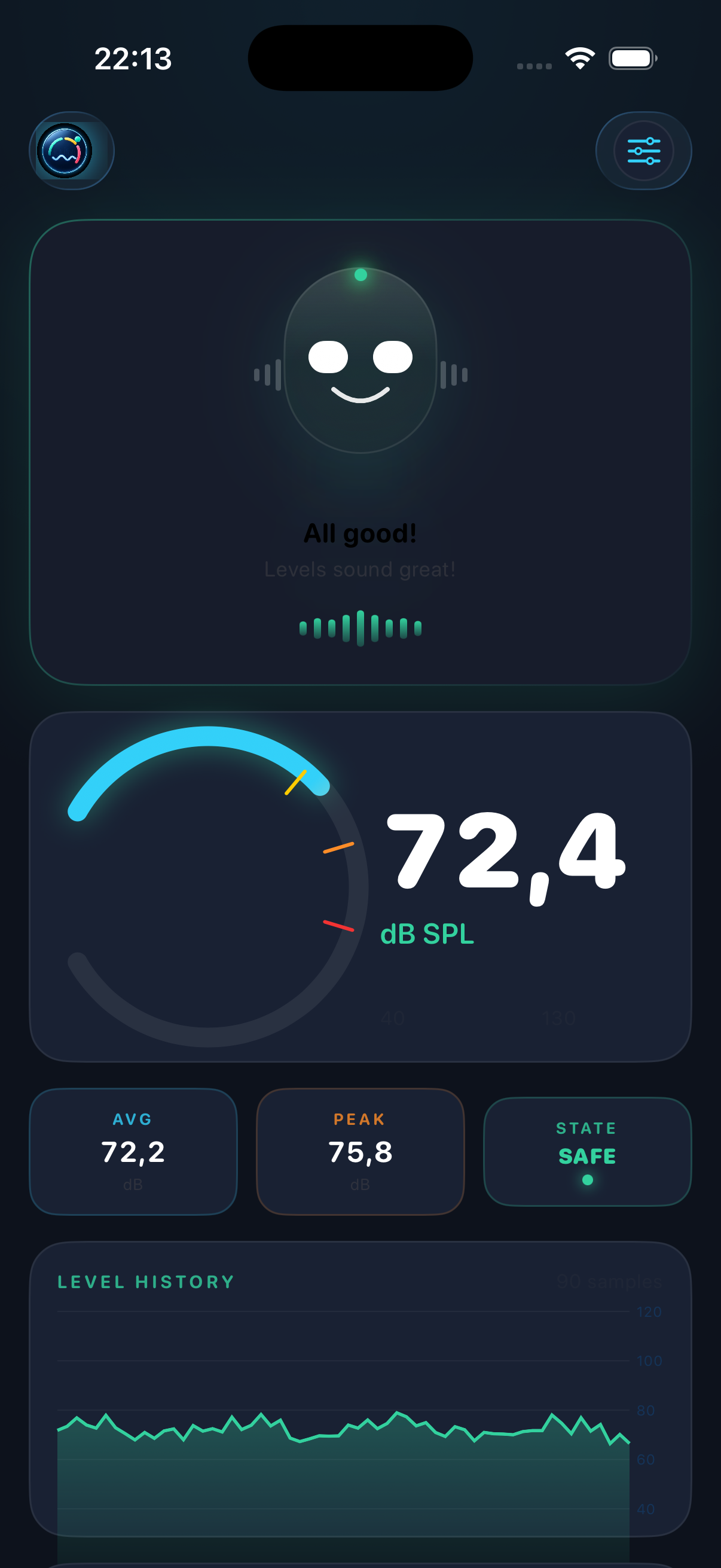
DeciMate SPL focused monitoring state
Good referenceNIOSH SLM app
Compare withStable sound
AvoidMusic peaks

Using another app on the same iPhone?

Use a steady sound, read the reference app first, then switch back to DeciMate SPL quickly and match that value. Repeat a few times and use the value that is most consistent.

NIOSH SLM info

Before you trust
the number.

i
Keep both microphones in the same place Same height, same distance from the speaker, and same direction. A few centimeters can matter near loudspeakers.
i
Use the same measurement style Compare A-weighted to A-weighted, and Fast to Fast or Slow to Slow. Do not compare different modes and expect the same number.
i
Remove cases or obstructions Phone cases, fingers, dust, wind, and tables can block or reflect sound around the iPhone microphones.
i
Re-check when the setup changes Repeat calibration after changing phone model, case, external microphone, measurement position, or major iOS audio settings.

Important limit

Calibration improves practical agreement with your reference, but DeciMate SPL is not a certified Class 1 or Class 2 sound level meter. For legal, workplace, or compliance-critical measurements, use certified equipment.

Back to home